
Grade: 5 To
8
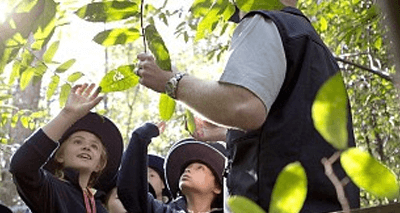
A rainforest factsheet and worksheet by Forests NSW Community Programs combined to help students explore questions around rainforests including; location, features and adaptations of rainforests.
Grade: 3 To
10
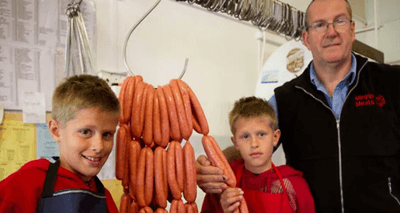
Raised in a farming family, a week's work experience during high school at a local butcher changed the course of one man's career. Learn about how a week's work experience helped John make a decision to choose a career as a butcher. Meet John Drum has been working as a local butcher in Minyip, a small town in Western Victoria, for 25 years.
Grade: k To
12
A free online resource with videos discussing sustainability issues on three Australian cattle and sheep farms in the Kimberley, central western NSW and Gippsland. Teacher guides include summaries of video content and questions for students. This appealin
Grade: 1 To
1
This unit consists of a pdf resource and two supporting videos. It has five inquiry teaching sequences about exploring tasks that must be undertaken on a farm all year round, where animals are raised, crops are grown and where different foods we eat.
Grade: 3 To
10
The Ricegrowers' Association of Australia, in conjunction with SunRice, has produced a new series of short videos which tell the paddock to plate story of rice in Australia. These are designed for school children and those with no knowledge about the rice
Grade: k To
10
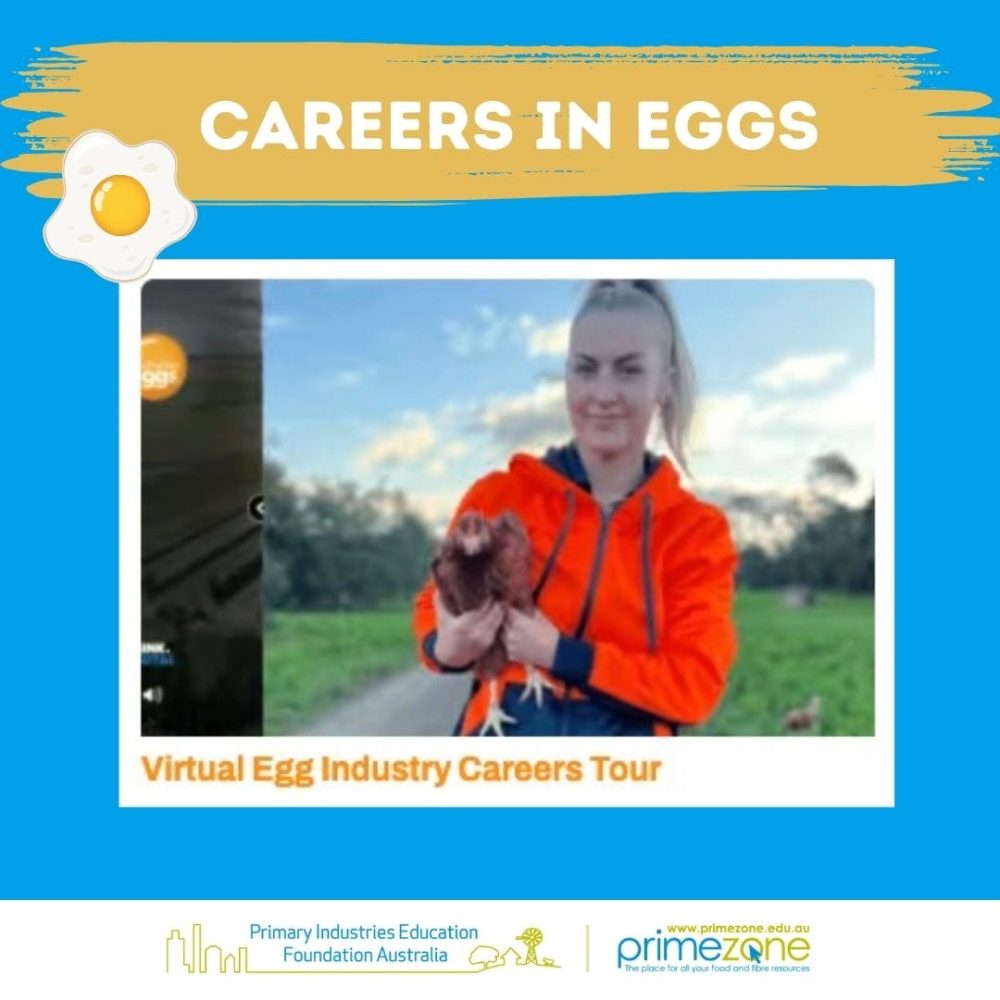
All about Eggs uses fun interactive curriculum linked activities to teach primary school children crucial information about egg production and consumption, enabling them to improve their literacy and numeracy skills whilst deepening their knowledge.
Grade: k To
6
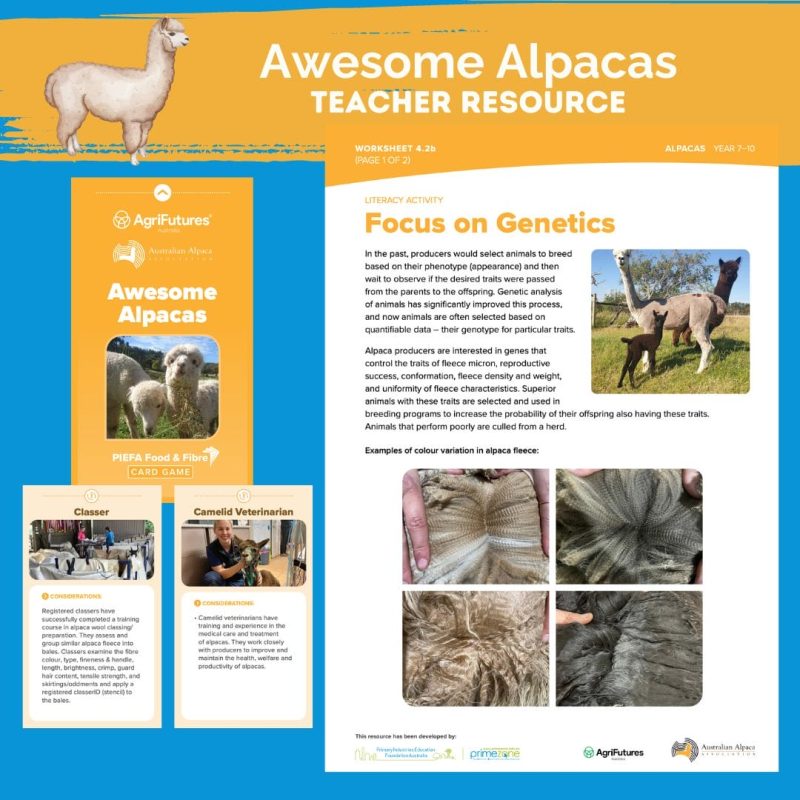
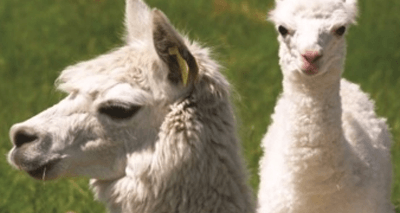
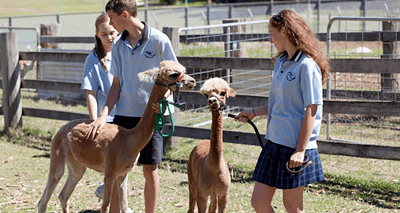
The Australian Alpaca Association Ltd. has designed a booklet to help primary school teachers introduce 'alpacas as a farming alternative' into their classrooms. The downloadable pdf file includes information and classroom activity sheets that support lea
Grade: 7 To
12
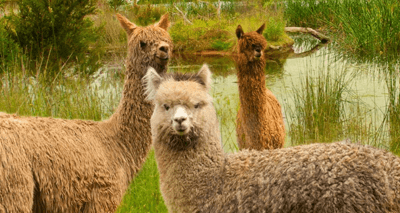
A study guide on Alpacas for secondary school students by The Australian Alpaca Association Ltd. It includes information and activities on breeds, husbandry, nutrition, health, economics and markets. Further sources of information are also suggested.
Grade: F To
12
This web site can assist schools to satisfy the requirements of the Animal Research Act 1985 (NSW) and the Australian code of practice for the care and use of animals for scientific purposes. This advice applies to all schools of the NSW Department of Edu
Grade: 7 To
12
A series of 15 livestock handling videos produced by NSW Dept of Education - Learning Systems to promote best practice. The videos include mustering, safety in yards, weighing cattle, routine husbandry practices and cattle and sheep handling. The videos use an understan
Grade: k To
12
The Archibull Prize is an innovative and fun program which provides student participants with opportunities to meet young farmers and engage in genuine farm experiences, gain knowledge and skills about the production of the food they eat, fibres they use
Grade: 5 To
12
An extensive range of documents, maps, photos and other materials from the Discover Collections website of the State Library NSW about Australian agriculture and rural life, including sections on life on the land, rural communities, and first farms
Grade: 7 To
10
A cotton production video for high school students about sustainable cotton farming and the cotton industry. This 9 minute video features interviews with growers and people from across the supply chain and beautiful imagery. It meets curriculum outcomes in y
Grade: k To
6
A kit of primary school resources to help students learn about Australian Made Locally Made & Grown Products and how goods get from paddock to plate and factory to family; and the importance and benefits of buying locally made and grown products. Resources include an animated e-book, activity sheets.
Grade: k To
10
A free online education program developed to teach children about where their food comes from and the benefits of organics for their health and the environment.
Grade: 5 To
12
Australia is the world's second largest exporter of beef. This two-page PDF provides lists of similar industry facts and statistics about the national beef cattle herd, production, consumption and exports. Teachers or students can develop understanding of
Grade: F To
6
An introduction to farms as an environment to learn about biodiversity. It includes a discussion about biodiversity and farm environments, with links to detailed pages for examples of biodiversity on farms. It could be used for the Australian Science Curr
Grade: 9 To
9
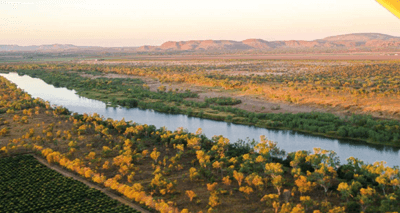
This unit consists of a pdf resource and two supporting videos. It has five inquiry teaching sequences about exploring biomes in Australia and overseas that produces some of the foods and plant material people consume.
Grade: 5 To
8
Bugwise for Schools addresses key issues of biodiversity conservation and science literacy, integrating biodiversity conservation research into the curriculum and providing training and tools to engage with the local environment. Provides a tool to monito
Grade: F To
6
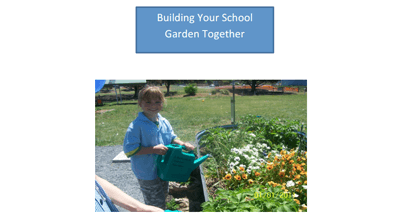
This unit helps teachers to develop a school garden. It features school garden lessons that provide students with hands-on learning experiences based on the principles of sustainability and biodiversity. Includes key considerations for getting started, su